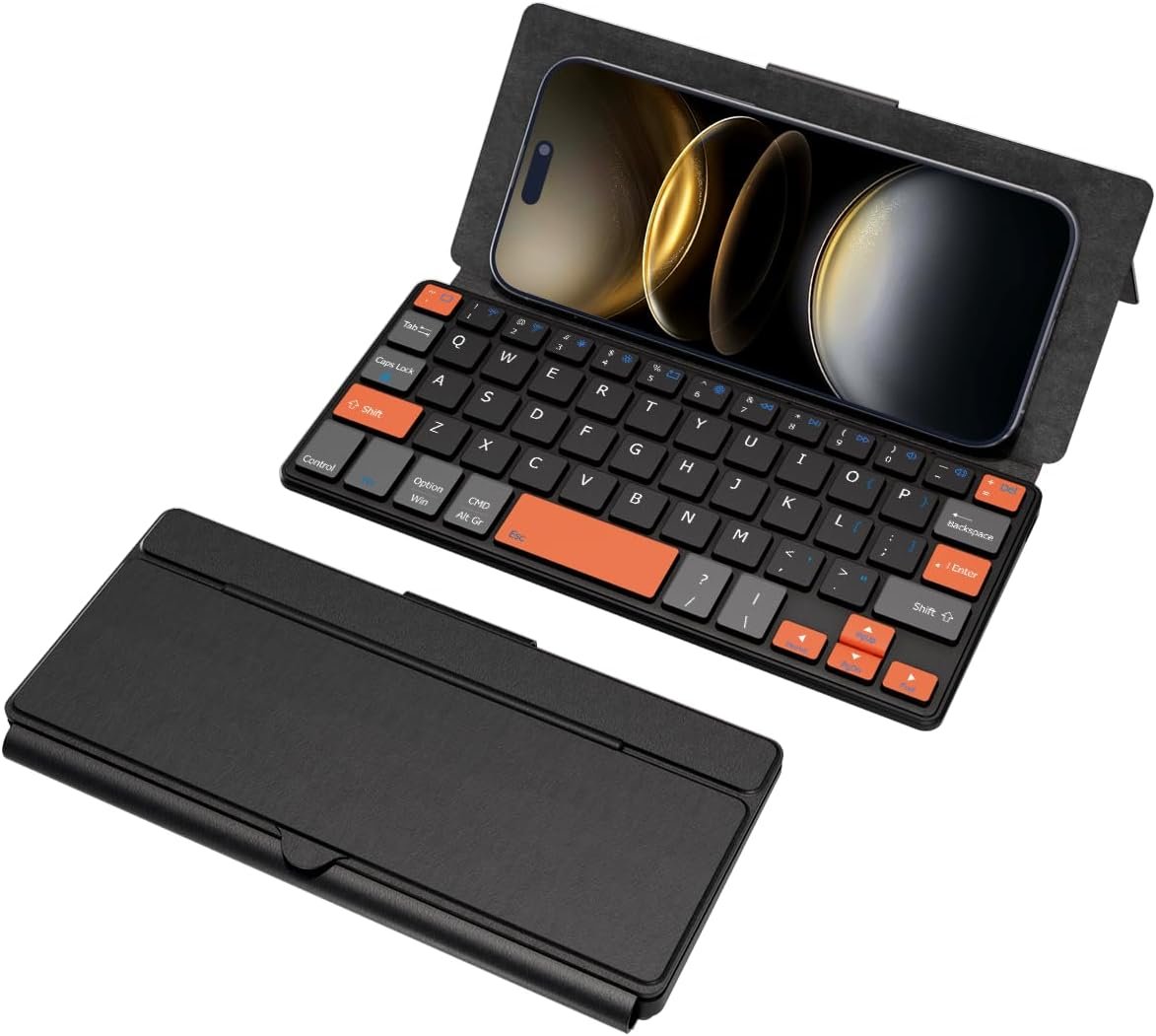



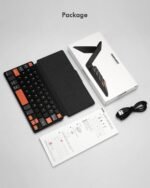


Doohoeek Universal Bluetooth Mini Keyboard, Wireless Compact Keyboard with Orange Navigation Keys & Any-Angle Stand for Android/iOS/Windows, Dual-Device Keypad for Phones/Galaxy Z Fold/iPad mini
$28.99
Price: $28.99
(as of Aug 02, 2026 16:24:29 UTC – Details)
Product description
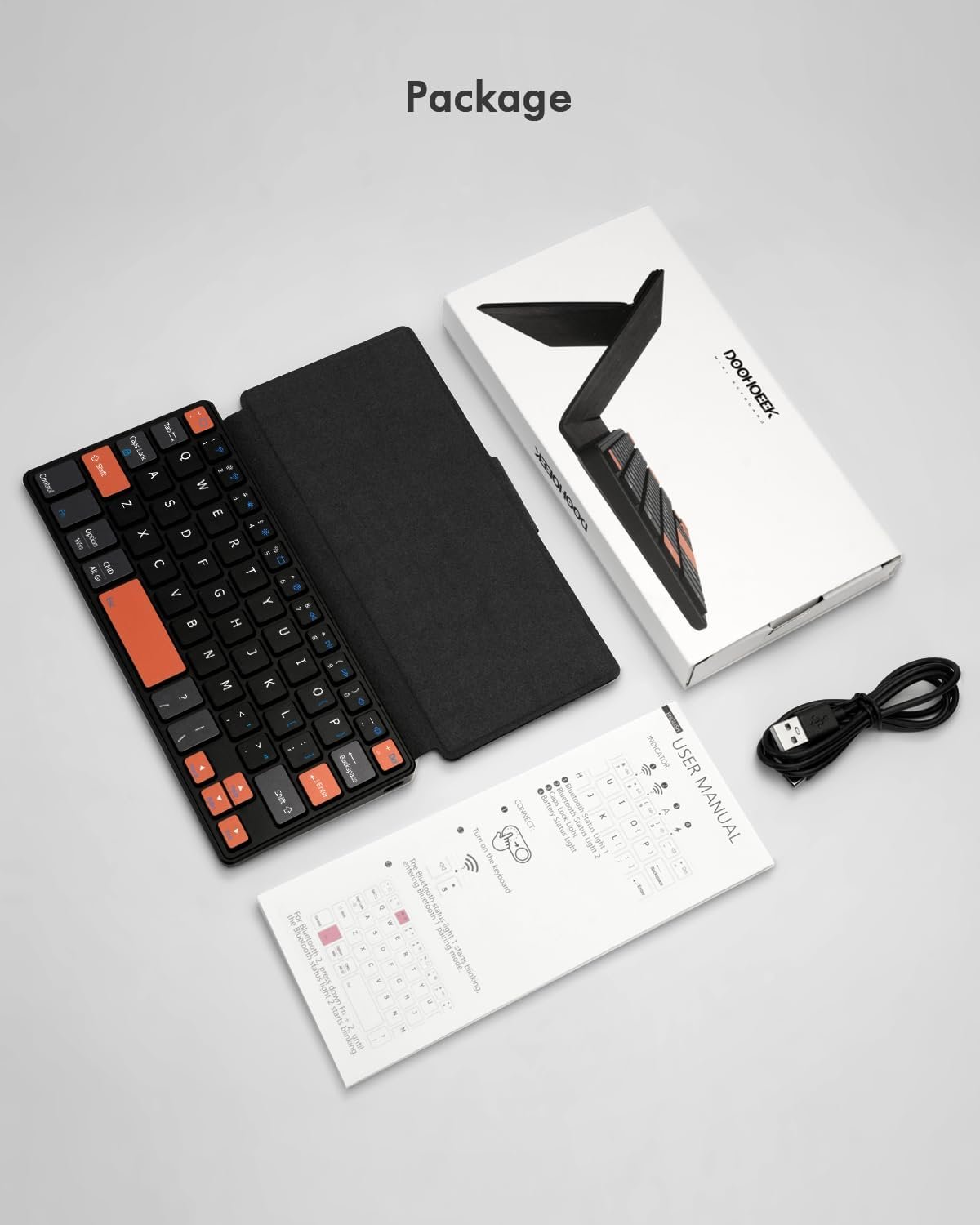
The video showcases the product in use.The video guides you through product setup.The video compares multiple products.The video shows the product being unpacked. Doohoeek Universal Mini Keyboard High-Visibility
Mini Travel Keyboard
Comparison Mini Keyboards
Small
Keyboard Size
Small
Backlilt
Trackpad
Dual Bluetooth
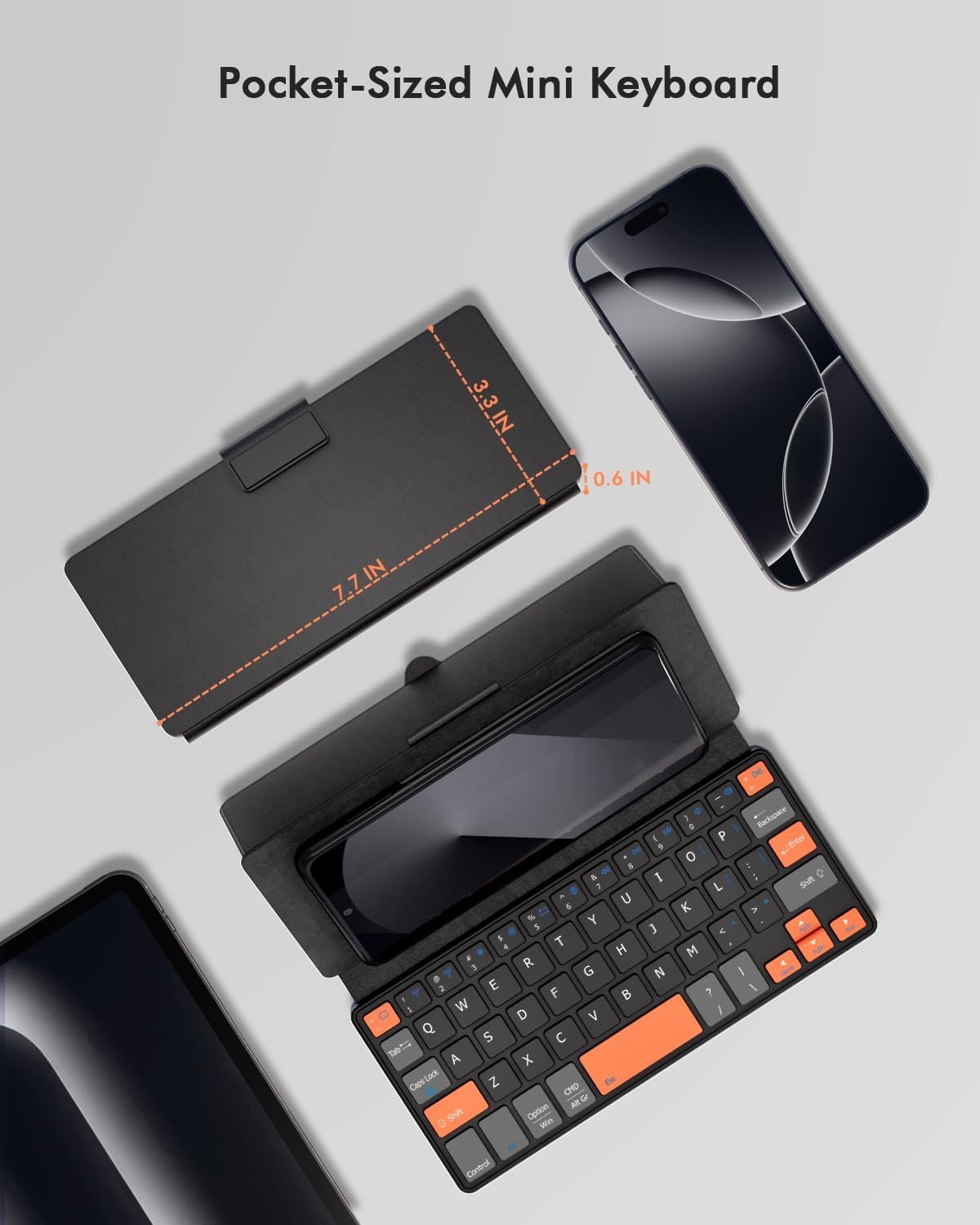
7.7*3.3*0.6in
Dimensions(Closed)
7.7*3.3*0.8in
Small
Keyboard Size
Large
Backlilt
Trackpad
Dual Bluetooth
7.7*3.3*0.6in
Dimensions(Closed)
9.6*4.5*0.6in
Travel Keyboard Touch 
Travel Keyboard Plus 
The Bluetooth “Wireless keyboard” dosen’t showcase on my device! What should I do?
Reset the keyboard & then reconnect it: 1. Press & hold the first and the last key at the top row of the keyboard until all indicators flash; 2. Bluetooth light flickers quickly, auto entering Bluetooth pairing mode (If not, long press Fn + 1 or 2)
How to switch between devices?
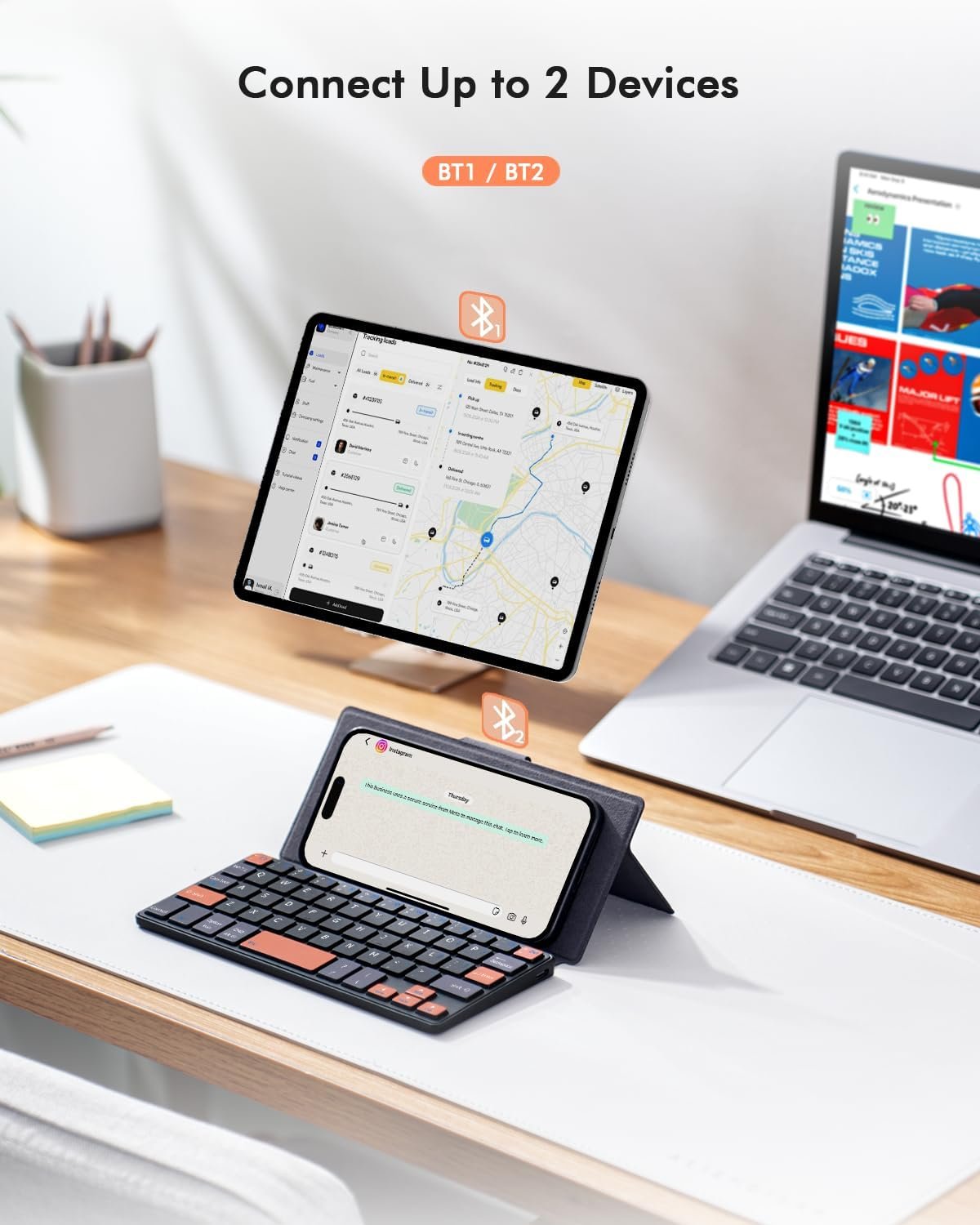
Short press “Fn” + “1” or “2” key.
The keyboard suddently can not enter any letters and the keyboard still connect to my devices, what happened?
We believe you may accidentally lock the keyboard by pressing Fn + cap lock , only press the Fn + cap lock again you can use the keyboard normally.
I want to hide the on-screen / virtual keyboard, what should I do?
Please press Fn + Tab key to hide or show up the virtual keyboard;


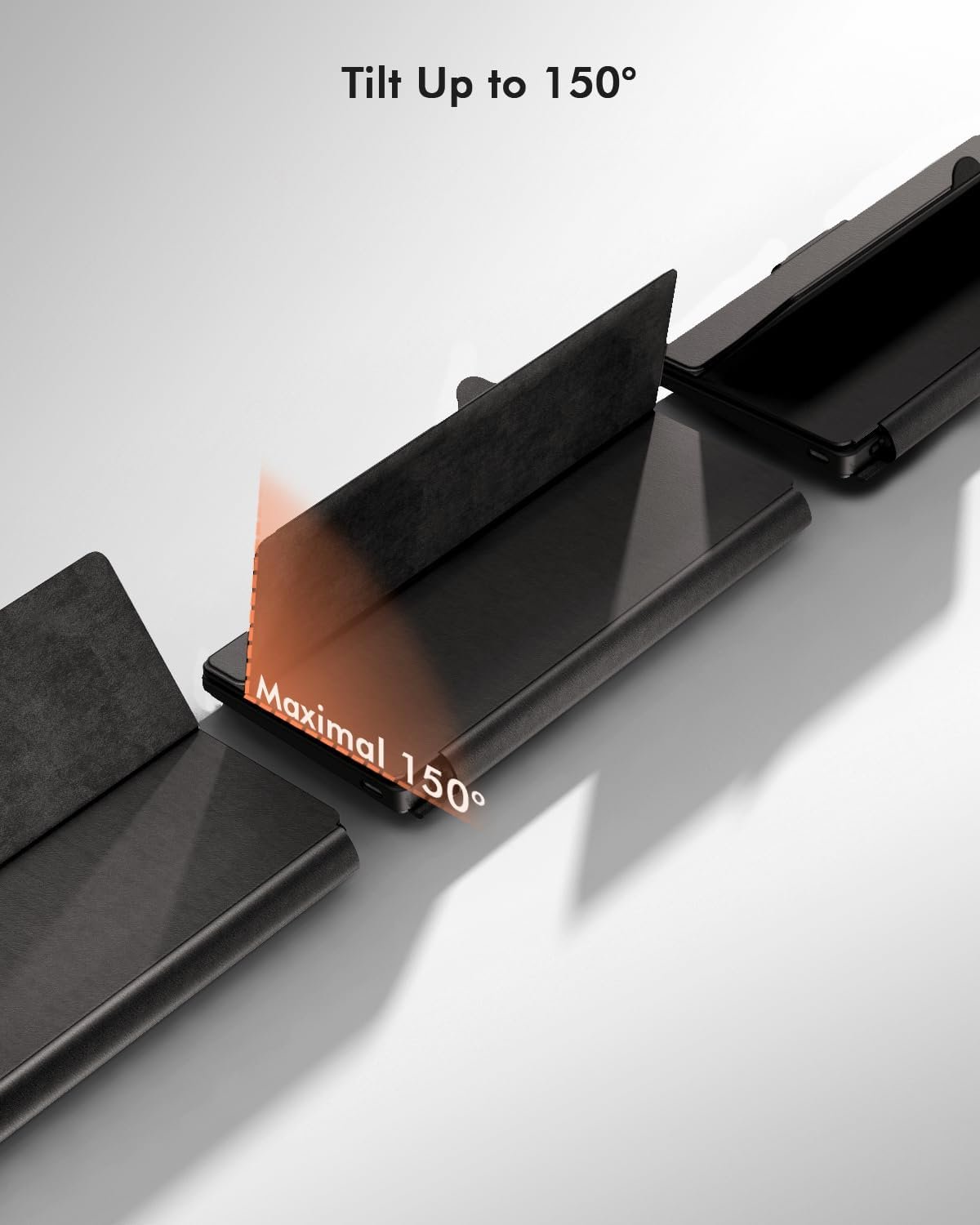
 Ergonomic Angle
Kickstand supports up to 150° adjustments. You could adjust it to the most comfortable viewing angle.
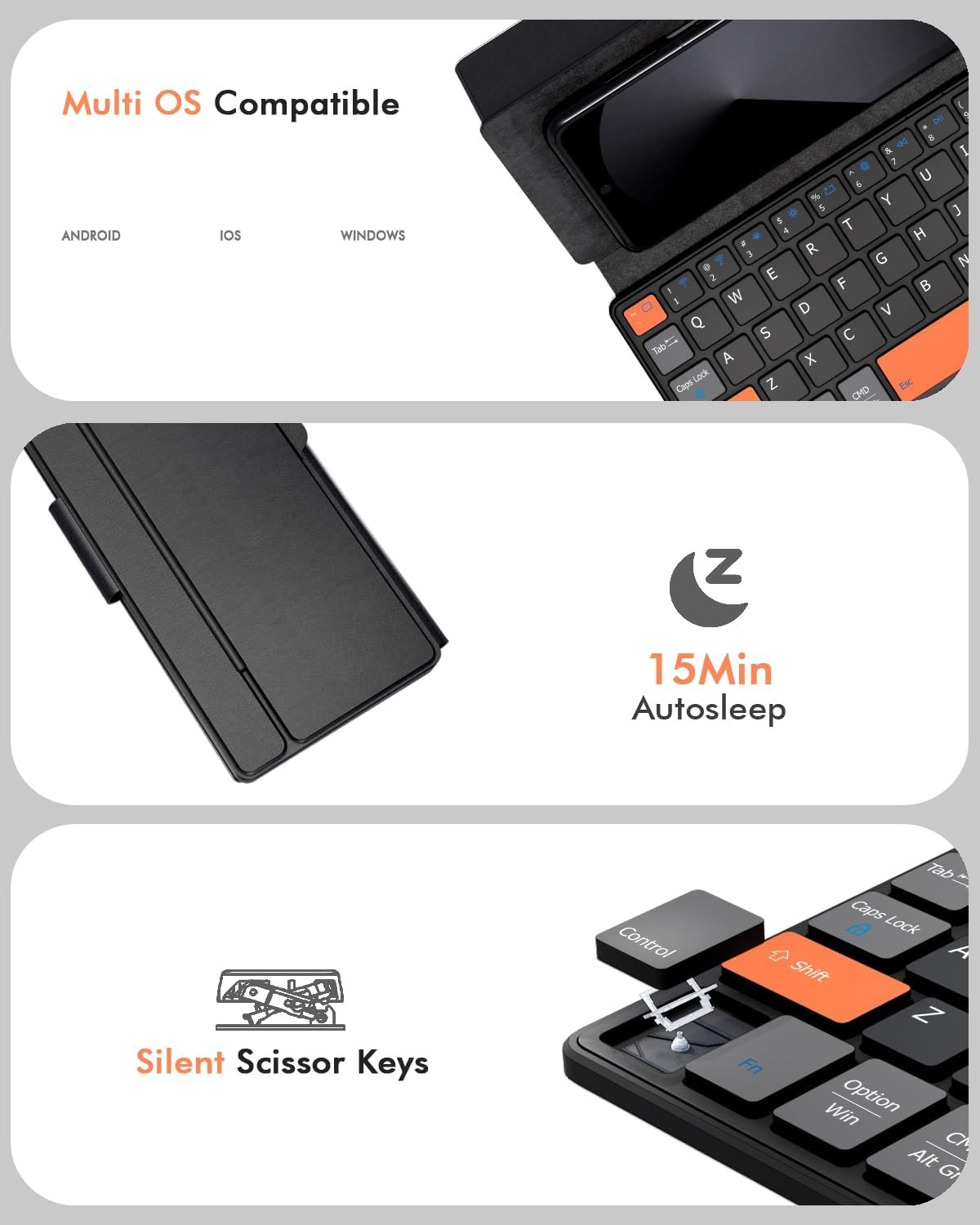
 Auto Detect Multi OS
The shortcut keys will aware different system and you could simply press corresponding shortcuts effortlessly.


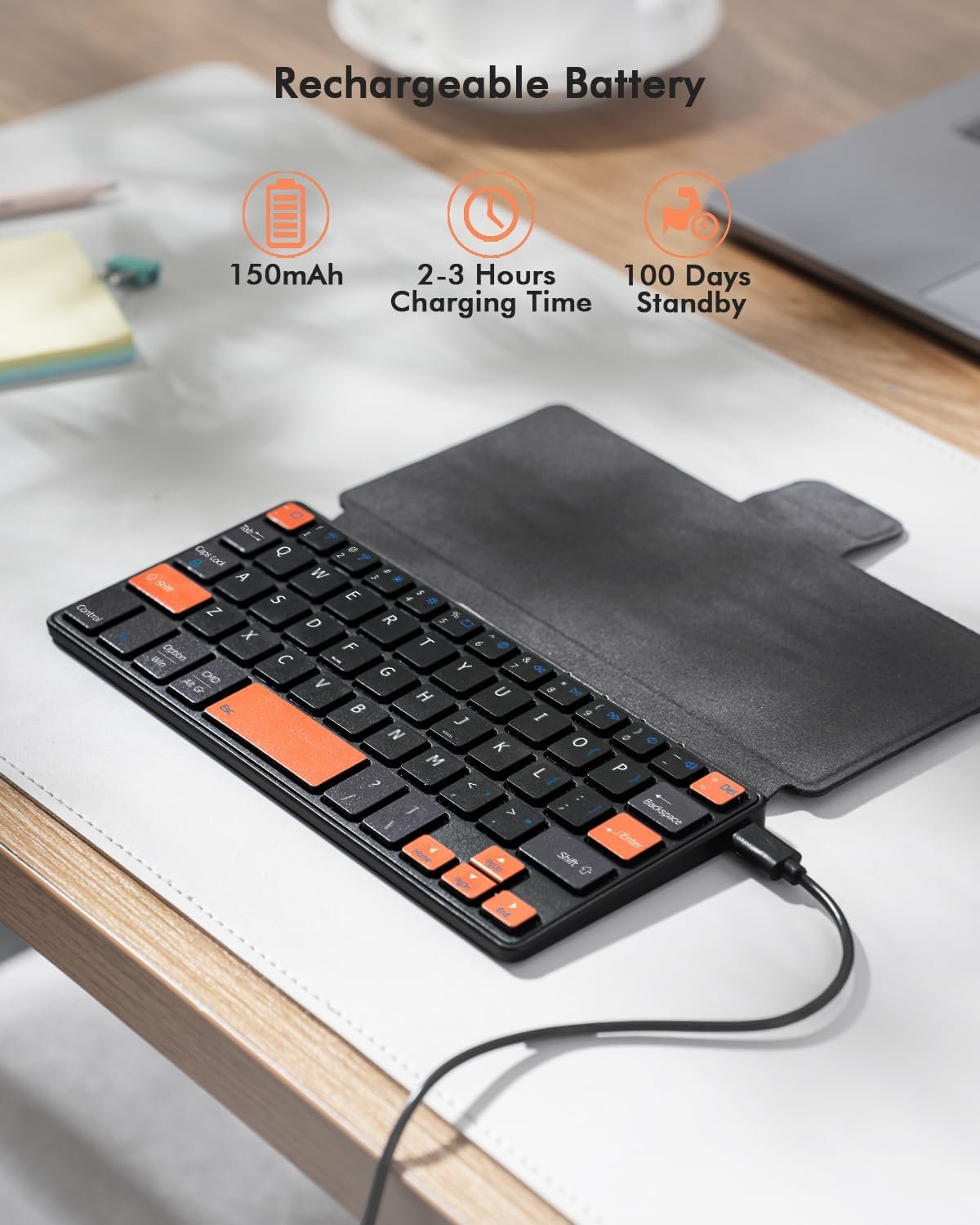
Can’t Connect the Bluetooth? Please reset the keyboard and then reconnect the Bluetooth: 1. Turn on the keyboarad; 2. Press and hold the first and the last key at the top row of the keyboard until all indicators start flashing; 3. Bluetooth light flickers quickly, auto entering Bluetooth pairing mode (If not, press Fn + 1 or 2); 4. Search and find “Wireless keyboard”.
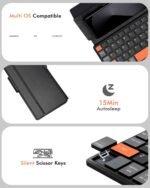
Multi-OS Compatible: The keyboard is widely compatible with Android, Windows and iOS devices. Also the basic typing function works with other OS devices such as fire tablets.
Connect 2 Devices: Seamless switching between 2 Bluetooth devices (iOS/Android/Windows) with single-tap transitions (Fn+”1″/ “2”).
Orange Keys for Productivity Boost: The color-coded design help you to position the keys effortlessly and reduce mistyping. The orange keys are more visible than standard keys, engineered for speed typists.
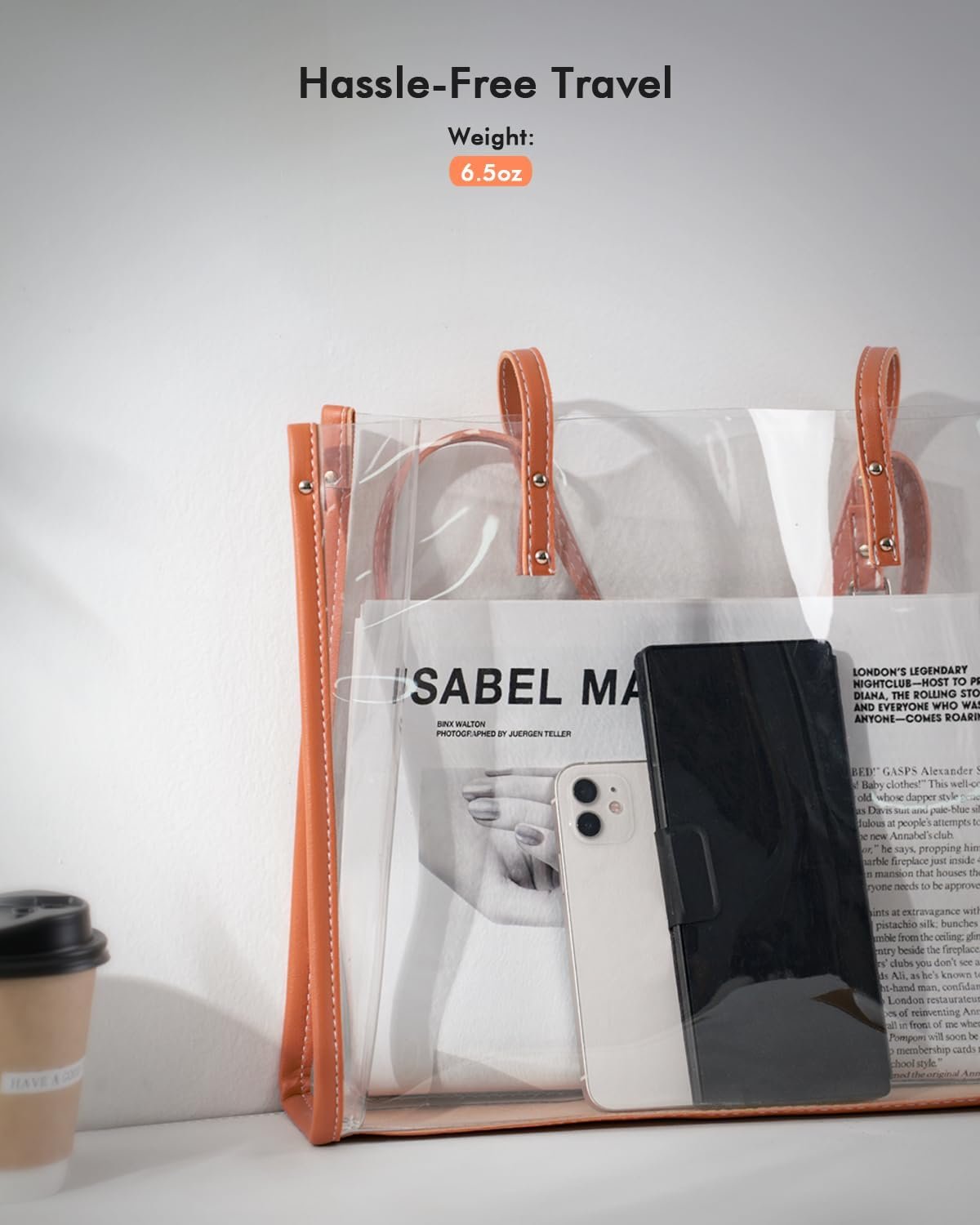
Compact & Travel-Friendly: Only 6oz weight and slim 0.6in profile fits in most handbags. The flexible hinge allows you to fold it up for travel – perfect for coffee shops, flights, or campus life.
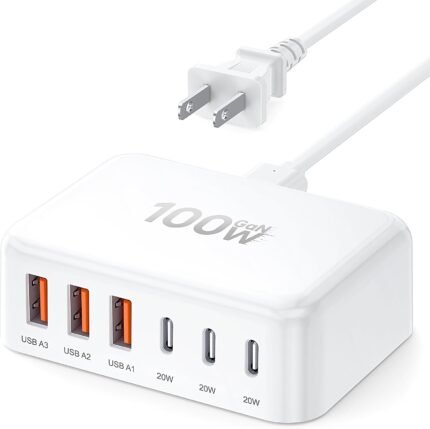
![[2026 Updated] USB C Fast Charger, 100W GaN 6 Port Type C Charging Station Hub Block Cube, USB C Wall Charger Power Strip Adapter Plug for iPad iPhone 17 16 15 14 Pro Max Pixel Note Galaxy, 5ft Cord](https://m.media-amazon.com/images/I/61m6eHUlynL._AC_SL1500_.jpg "[2026 Updated] USB C Fast Charger, 100W GaN 6 Port Type C Charging Station Hub Block Cube, USB C Wall Charger Power Strip Adapter Plug for iPad iPhone 17 16 15 14 Pro Max Pixel Note Galaxy, 5ft Cord")