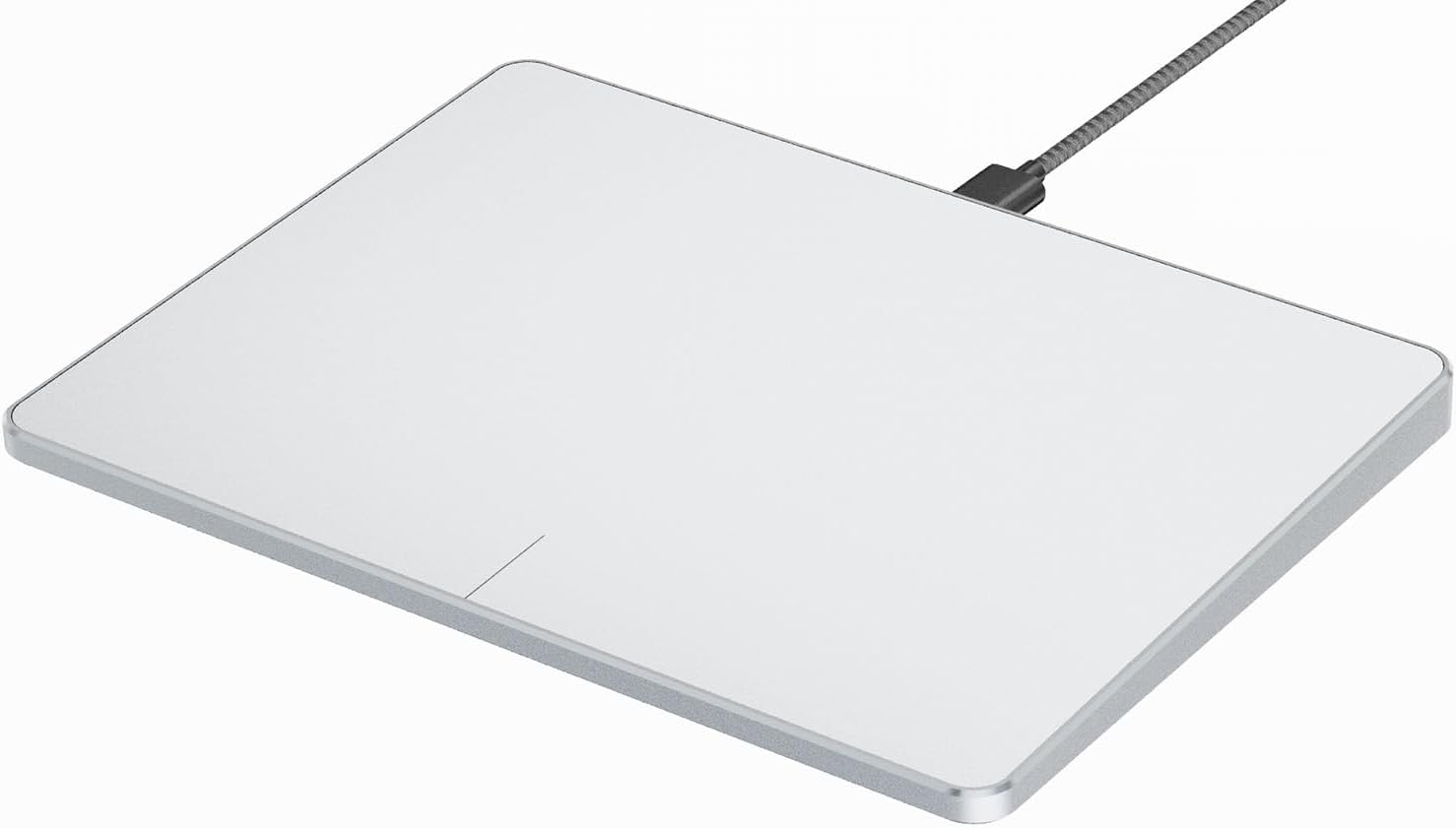
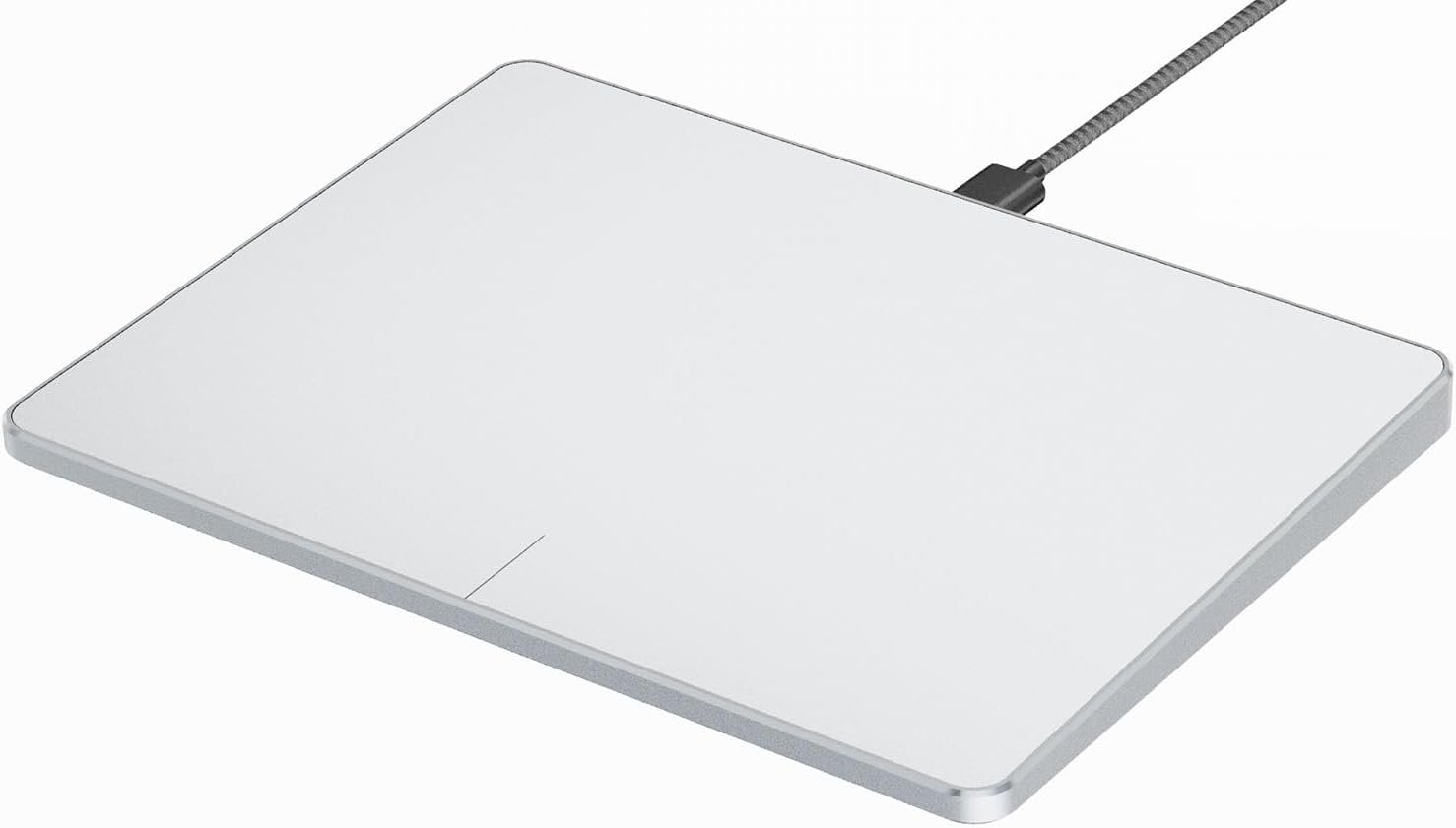

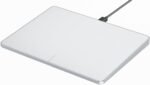




ProtoArc Wired USB Trackpad Mouse for Windows 10/11, Large High-Precision Touchpad Mouse, Multi-Gesture with Ultra Slim Portable Aluminum Trackpad for Computer/Desktop/Laptop, White and Silver
Original price was: $48.99.$36.99Current price is: $36.99.
Price: $48.99 - $36.99
(as of Aug 03, 2026 19:12:10 UTC – Details)
Product description


Compatibility Warning for Wired Trackpad for Windows 10/11
Windows Only: T1 Wired Trackpad is compatible with Windows 10/11 only
Wired Only: Connects only via wired, provides you with a stable connection via a USB-C cable.
It is not compatible with Mac/Chrome/Linux operating system devices
Note: It is not recommended to use on other systems. Some touchpad gestures or functions may be missing.
Why can’t I find the DPI adjustment feature on the T1 wired touchpad?
The T1 wired touchpad does not include a DPI adjustment feature. However, you can customize cursor speed via:
Open Windows Settings → Navigate to Bluetooth & other devices → Select Touchpad.
Adjust the Cursor speed slider to match your preference (slower ← → faster)
Tip: Test small incremental changes to find your ideal speed for productivity.
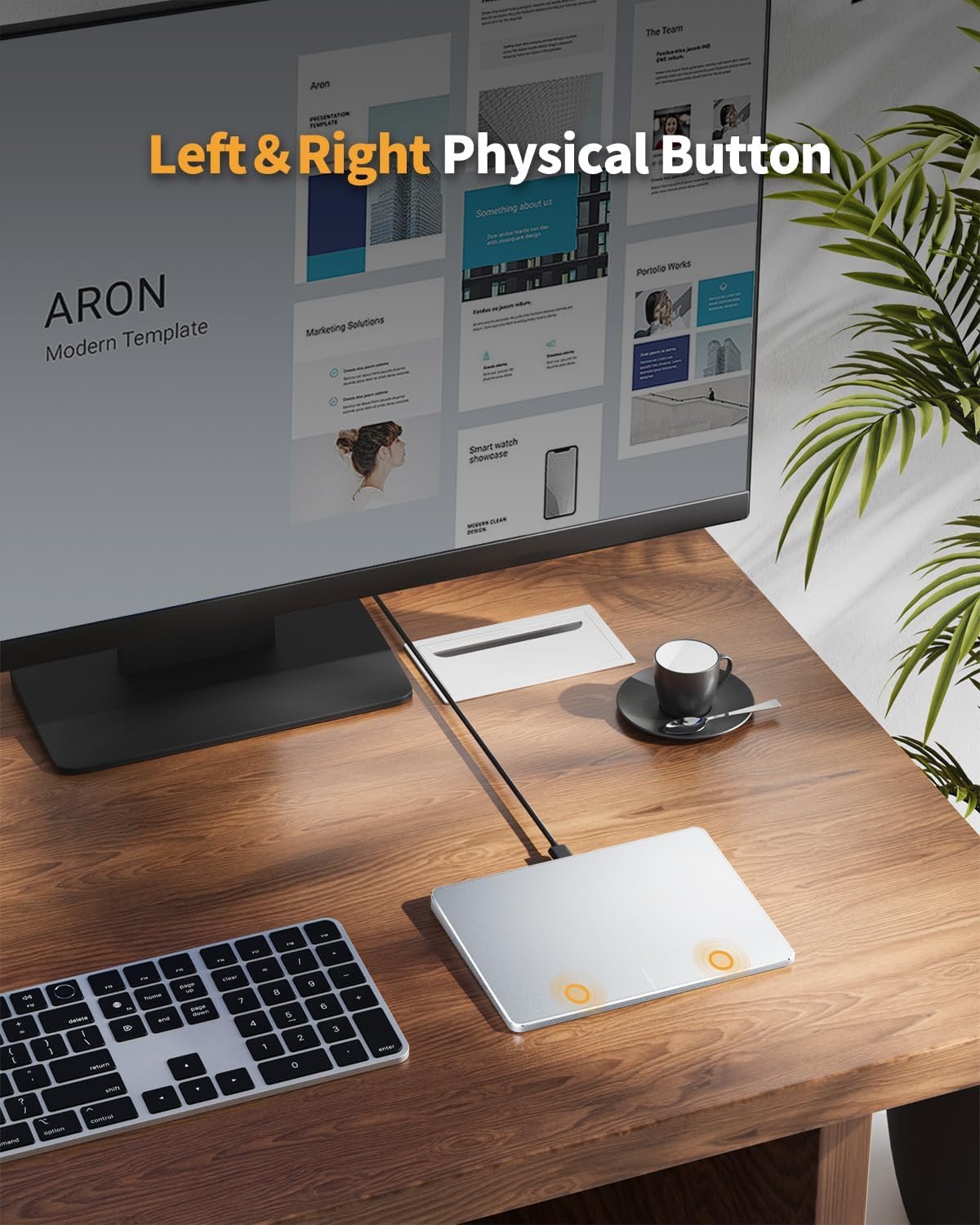
About Convenient left and right physical clicks
The wired trackpad supports physical clicks of the left and right buttons at the bottom to realize the left and right mouse button functions. It also supports full-area single-click to realize the left mouse button function and two-finger single-tap for right mouse clicksHow to drag files and select text: Double-click with one finger + hold/slide to drag files or select text

ProtoArc Wired Trackpad is a great alternative to computer mice when desk space is limited. In addition to being a space saver, trackpad can be easier to use than other input devices like mice
Wired only (via USB-C cable) – provides stable connection, but is NOT compatible with Mac, Chrome, or Linux
Windows Only: The Large Wired Trackpad for Windows10/11 is compatible with Windows 11, Windows 10, PC, laptops and desktop computers. Note: Not compatible with Mac/Chrome OS/Linux. Not recommended for use on other systems. Some touchpad gestures or functions may be missing
Convenient Physical Buttons: The touchpad features physical left and right buttons at the bottom, functioning like mouse buttons. It also supports single-finger clicks for left-clicking and two-finger taps for right-clicking, allowing for easy text and document selection and drag-and-drop operations
File Drag and Drop & Text Selection: Double-tap and hold with one finger, then slide to drag files or select text
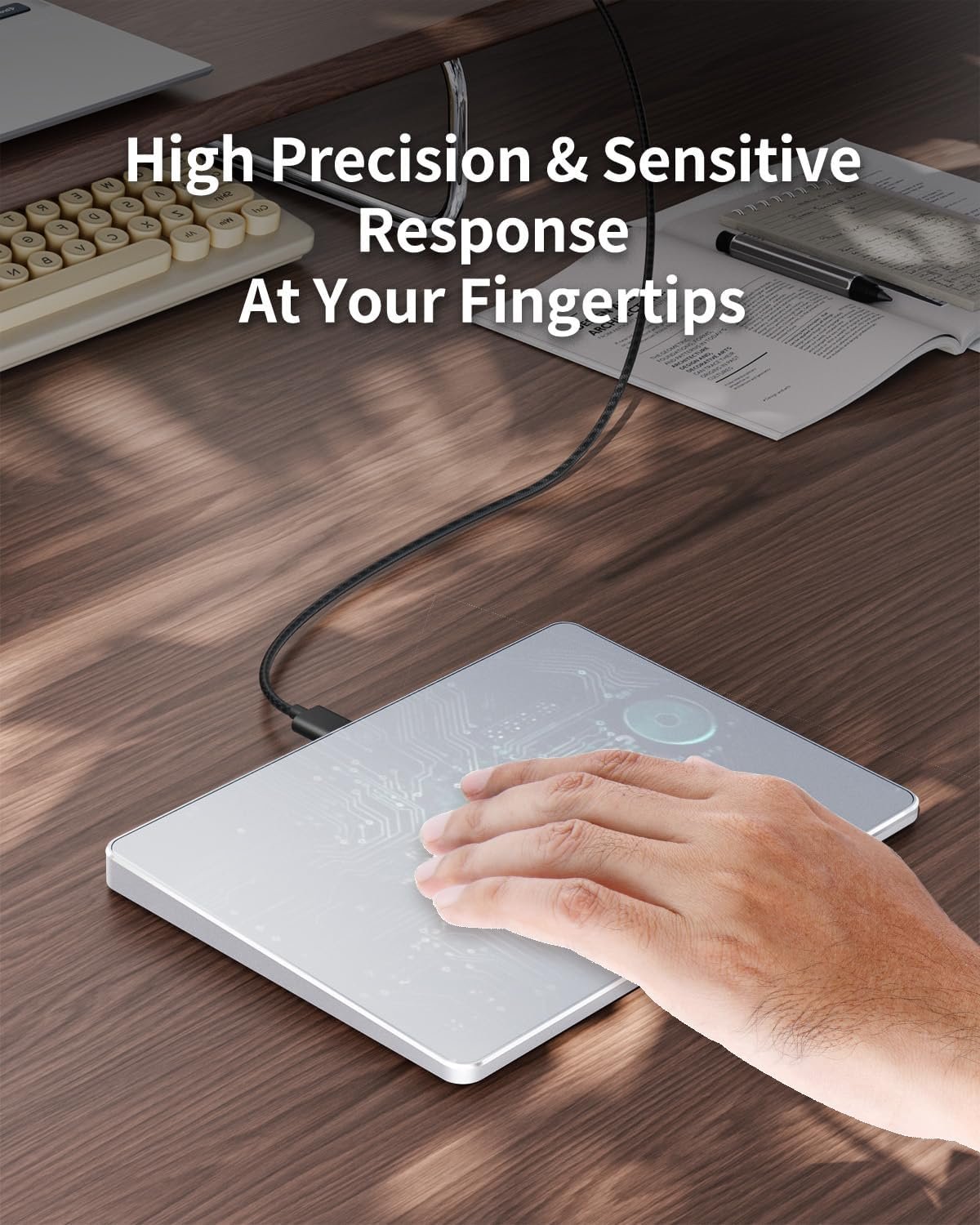
Multi-Gesture Support: The touchpad supports various gestures, recognizing up to four fingers. It offers rapid and sensitive response, providing a smoother user experience than typical laptop touchpads. It supports common functions including clicking, scrolling up and down, and pinch-to-zoom for images
Adjust Cursor Speed: Open “Windows Settings” → “Bluetooth & other devices” → “Touchpad,” and drag the “Cursor Speed” slider to adjust the speed to your preference (slow ←→ fast).
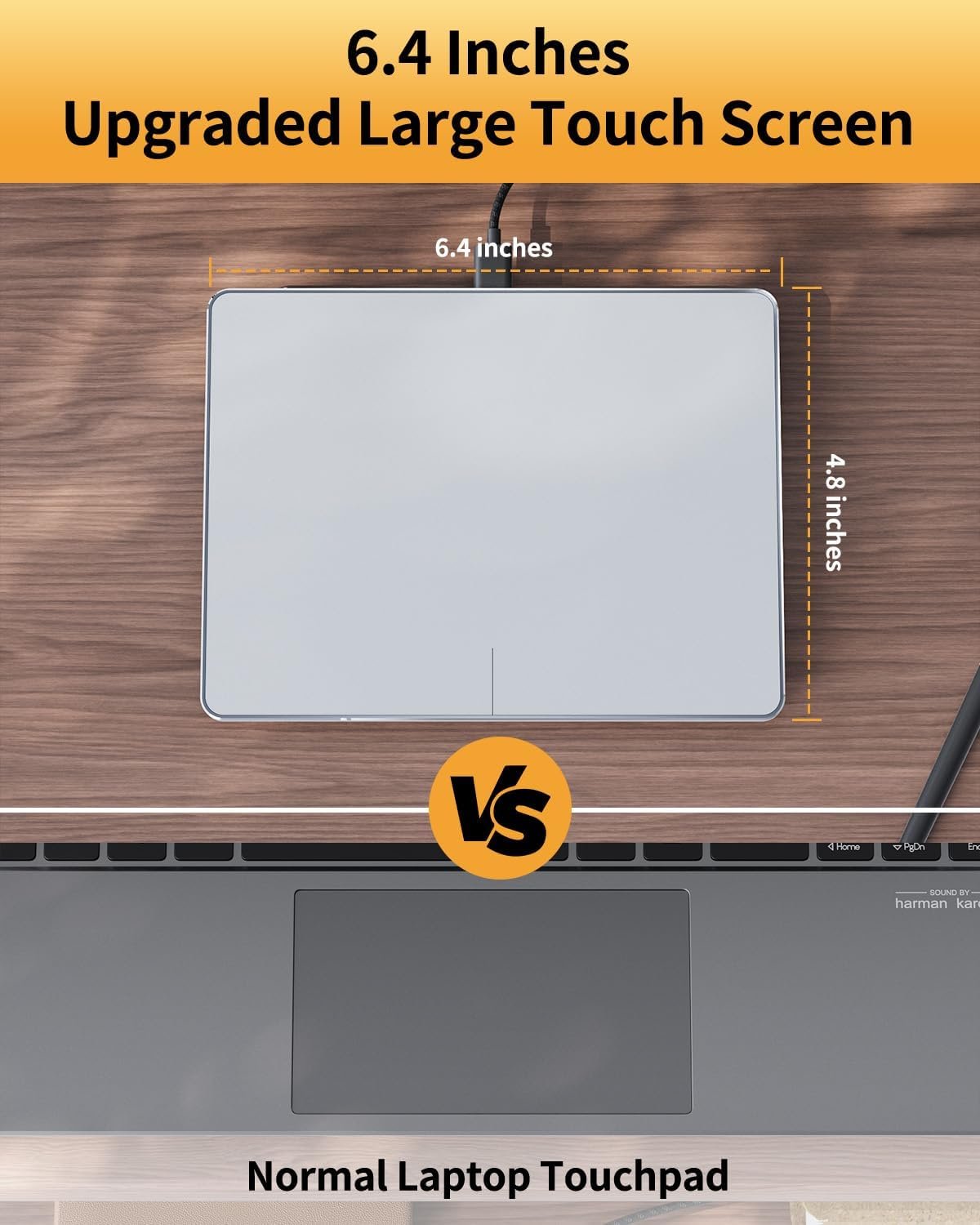
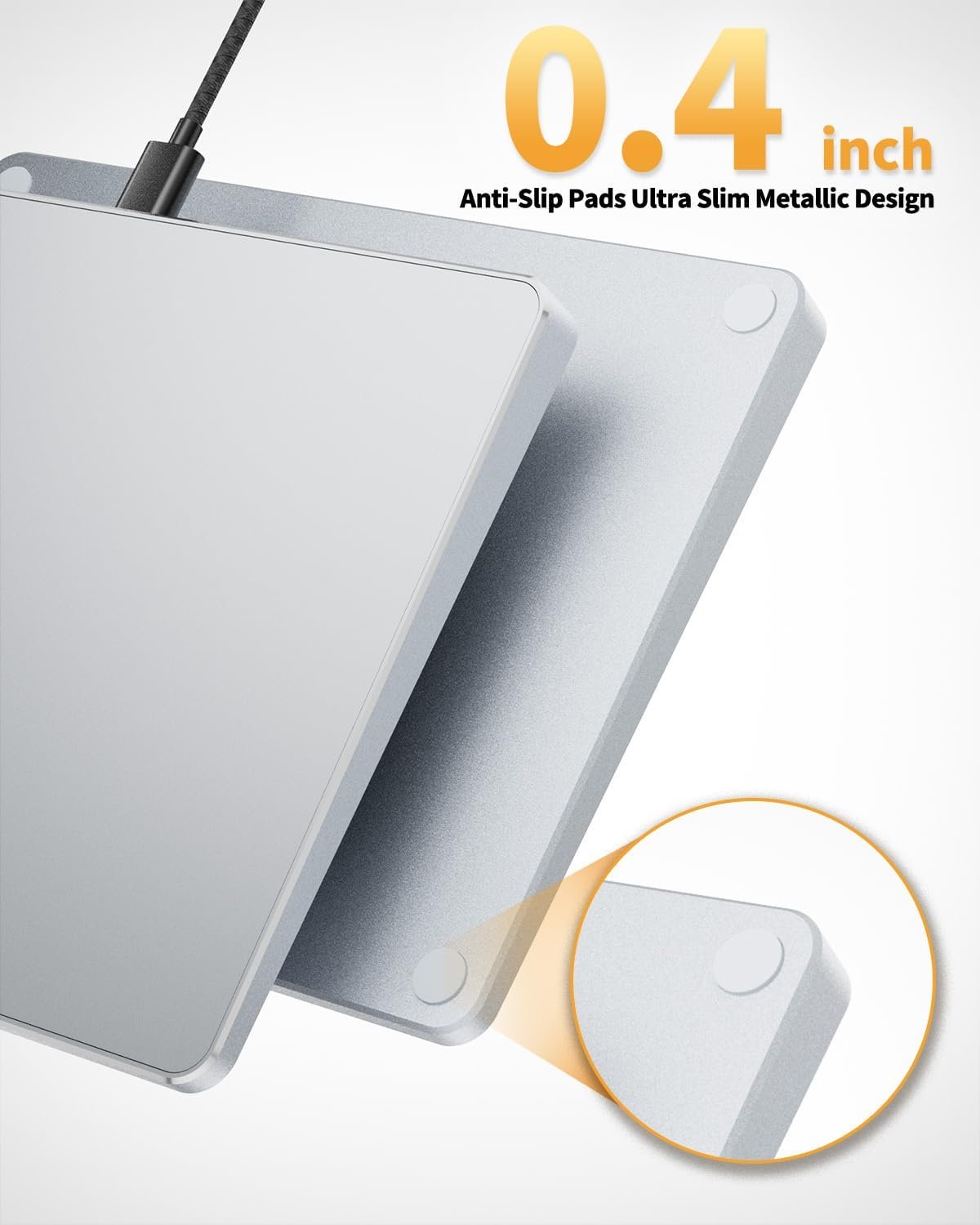
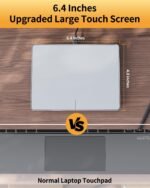
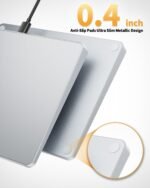
Large Metal Touchpad: The touch area reaches 6.4 inches (approximately 16.3 cm), measuring 6.4 × 4.8 × 0.4 inches, with a thickness between 0.19 and 0.39 inches, compared with the traditional touch pad is even thinner
Plug and Play, Stable Connection: Simply connect to your computer’s USB port via a USB-C cable to use; no additional drivers are required. The stable and reliable connection allows you to easily enjoy a smooth operating experience